
Affiliate Disclaimer: This post may contain affiliate links. As an affiliate, I may earn a commission if you purchase through my links, at no extra cost to you. Please read our full disclosure for more info.
If you’re balancing a demanding 9‑to‑5 while trying to build your blog, you already know the truth: by the time dinner is done and the day’s obligations are finally off your shoulders, you might have one — maybe two — hours of real brainpower left.
Back in 2019, I went all‑in on a YouTube cooking project. We spent about 50k on gear and planning, but editing alone drained half our energy, and we eventually had to shelve the entire thing.
That experience taught me one lesson I never forgot: if a system isn’t low‑friction and sustainable, it will fail.
You don’t need to spend all day on Pinterest to see growth.
You just need a repeatable, 1‑hour nightly Pinterest pinning schedule that feeds the algorithm consistently while protecting your limited energy.
What You’ll Learn
By the end of this guide, you’ll know exactly how to run a low‑friction Pinterest routine that fits into a busy life. You’ll learn:
- The 3 goals your nightly Pinterest routine must accomplish to build momentum without burning out
- Why nightly pinning beats batching (and how the 7‑Day Spacing Rule protects your reach)
- How many pins to publish each night for maximum distribution without triggering spam filters
- The complete 1‑hour nightly Pinterest schedule, broken into simple, repeatable steps
- How to prep your weekly keywords in 20 minutes so you never waste time deciding what to pin
- How to create fresh pins quickly using reusable templates (without starting from scratch)
- How to write natural, high‑performing descriptions that boost Saves and click‑throughs
- How to schedule your pins using Pinterest’s free native scheduler — no paid tools needed
- The nightly mistakes beginners make that quietly destroy their reach
- How to use AI (Gemini) to organize your weekly pin plan and stay consistent even on low‑energy days
What your nightly Pinterest routine should actually accomplish
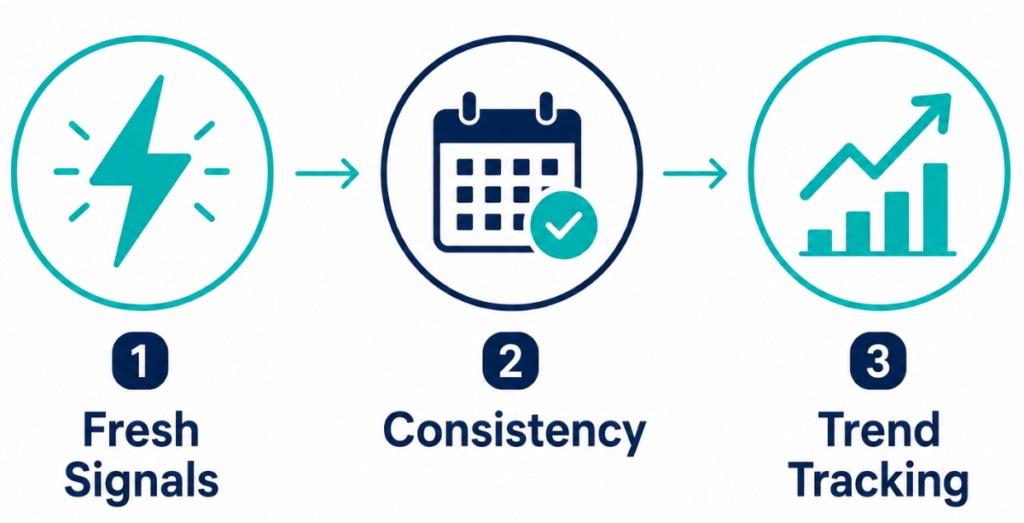
A nightly routine is not a tutorial — it’s an execution system. When you sit down at your computer, your 60 minutes should accomplish three specific outcomes that move your account forward without draining your energy:
- Create fresh signals — Pinterest prioritizes new imagery. Every fresh pin you publish tells the platform you’re an active creator worth distributing.
- Feed the algorithm — Pinterest rewards consistency, not volume. Showing up daily builds trust with both the algorithm and your audience.
- Stay ahead of trends — A nightly routine lets you slowly roll out content 45–90 days before seasonal peaks, instead of panic‑creating 30 pins on a Sunday.
Why nightly pinning beats batching (The 7‑Day Spacing Rule)
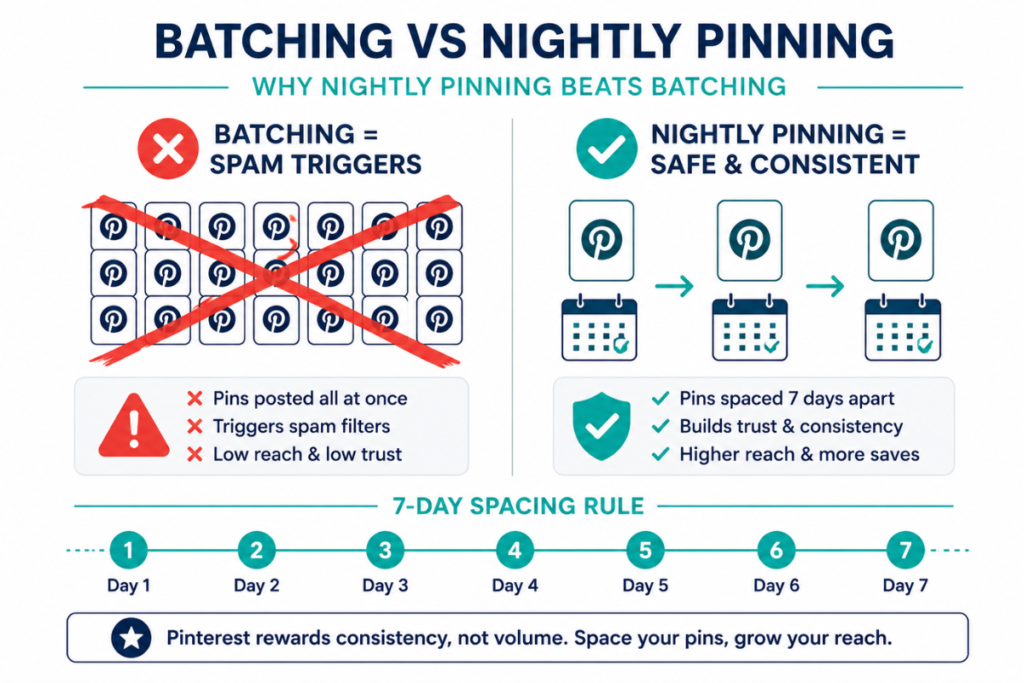
It’s tempting to sit down on a Sunday, create 20 pins, and dump them onto your boards so you can ignore Pinterest for the rest of the week. But this batching approach is one of the fastest ways to trigger spam filters.
To build a traffic asset that lasts, you must follow the 7‑Day Spacing Rule — never publish multiple pins that lead to the same blog post on the same day.
Spacing them out by at least seven days maximizes reach and keeps your account in good standing.
A nightly routine naturally enforces this spacing, proving to Pinterest that you’re a consistent, reliable creator.
How many pins should you schedule each night?
To eliminate decision fatigue, follow this strict beginner framework:
- 1–3 fresh pins: New images you created that night
- 0 repins: Focus only on your own original content
- 0 idea pins: Prioritize static pins that drive clicks
- 0 video pins: Save these for the next phase once you’ve mastered static imagery
The 1‑hour nightly Pinterest schedule (step‑by‑step)
This workflow separates high‑energy strategy from low‑energy execution.
Step 1: Prep your keywords for the week (The Sunday Task)
Keyword research is not a nightly task. Searching for trends every night drains your creative energy and slows down your workflow.
Instead, spend 20 minutes on Sunday pulling keywords using Pinterest’s search bar autocomplete.
Add them to a simple spreadsheet so that when Monday night arrives, you already know exactly what each pin should say — no guessing, no decision fatigue.
Step 2: Create 1–2 fresh pins (25 minutes)
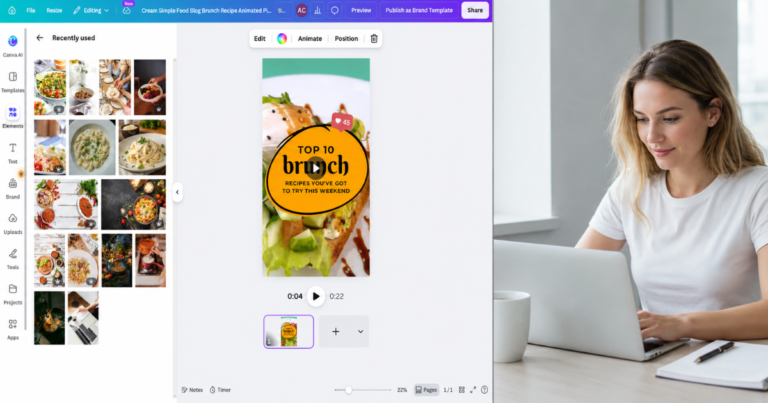
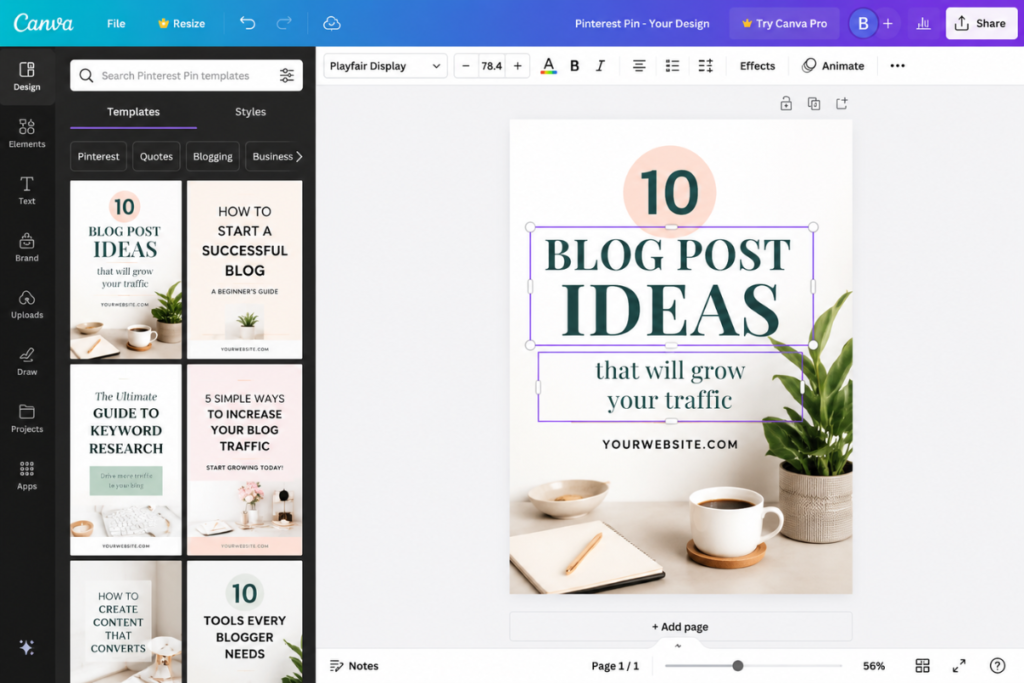
Open Canva Pro. Do not start from a blank canvas — use 3 to 5 branded templates so your pins stay consistent and fast to produce. Swap the background image, update the text to match your prepped keywords, and adjust colors as needed. For example, a wellness blog might replace a “Home Workout” photo with a “Stress Relief” photo while keeping the layout identical. This keeps your workflow fast, repeatable, and visually on‑brand.
Step 3: Write descriptions (15 minutes)
Take your fresh pins and write conversational, natural‑sounding descriptions. Avoid keyword lists or stuffing — instead, weave your keywords into 2–3 sentences that explain how the pin solves a reader’s problem.
Example: “Trying to save money on groceries? This budget meal prep grocery list helps you feed a family of four for under $100 a week…”
Step 4: Schedule your pins directly on Pinterest (15 minutes)
In the current 2026 economy, financial safety matters. You don’t need to pay $15–$30 a month for third‑party schedulers like Tailwind, especially when free users are limited to only 20 posts per month.
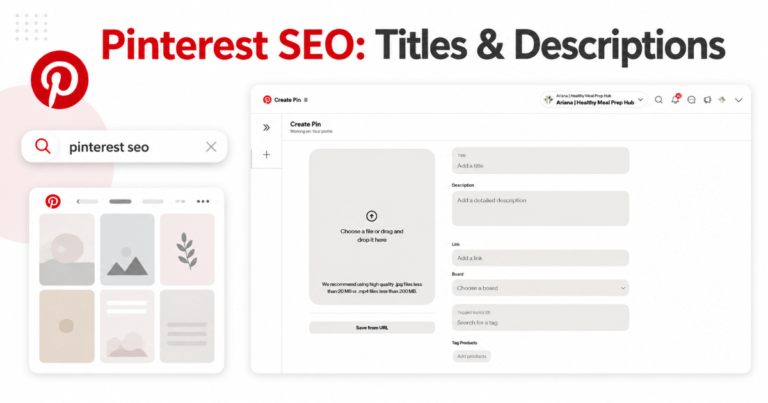
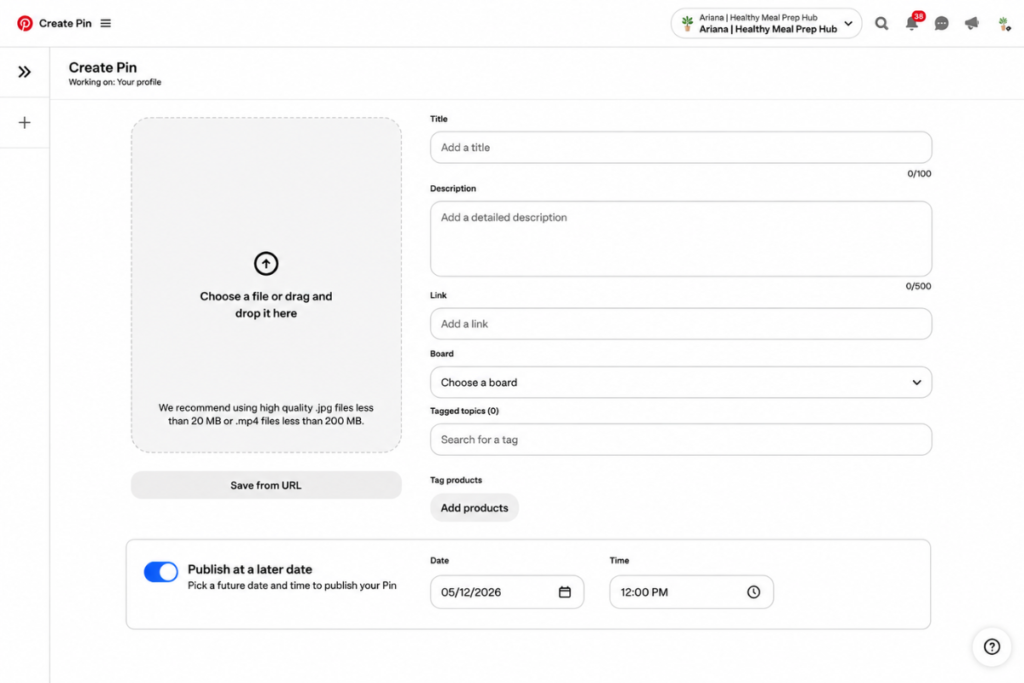
Pinterest’s free native scheduler is powerful and built‑in. You can schedule up to 100 pins up to 30 days in advance. Upload your graphic, paste your title and description, add your blog URL, and choose your publishing time.
Step 5: Quick analytics check (5 minutes)
Spend the last five minutes glancing at your stats.
Focus only on Saves and Outbound Clicks — these two signals tell you which pin styles your audience prefers.
You’re simply “listening” to the algorithm, not trying to fix anything. Then close the tab and enjoy your evening.
Common mistakes beginners make in their nightly routine
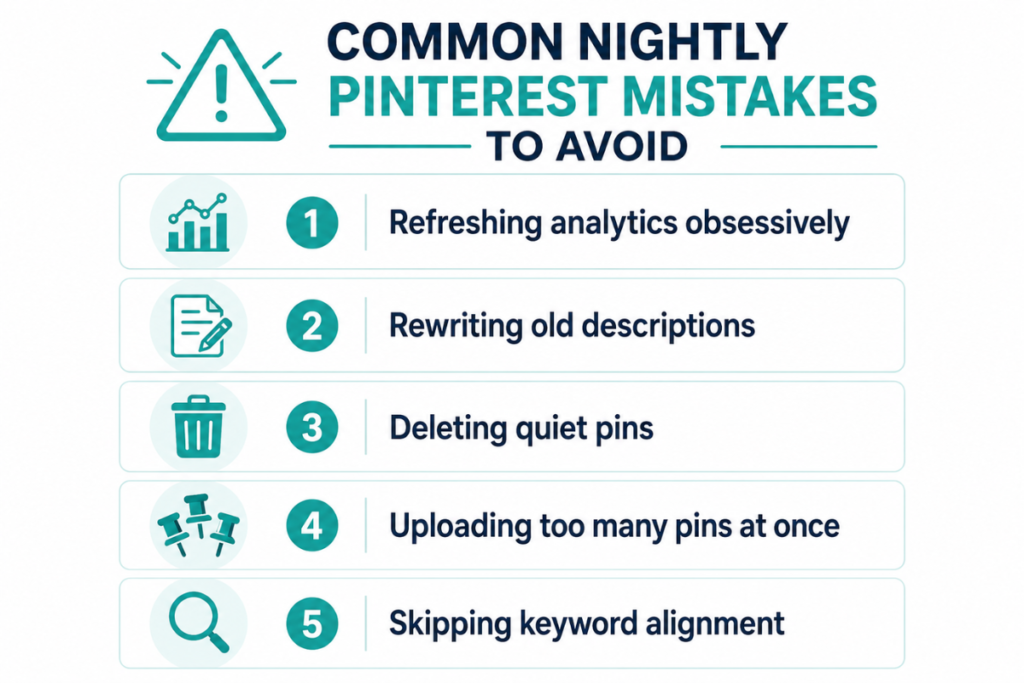
Before you settle into your nightly rhythm, make sure you’re not accidentally sabotaging your distribution. When energy is low, it’s easy to fall into habits that hurt your reach:
- Refreshing analytics obsessively: Checking stats multiple times a day creates anxiety; five minutes once a night is enough.
- Rewriting old descriptions: If a pin isn’t performing, leave it alone. Spend that time creating a fresh pin instead.
- Deleting “quiet” pins: Never delete. A pin with zero saves today might go viral six months from now.
- Uploading too many pins at once: Stick to the 1–3 limit to avoid triggering spam filters.
- Skipping keyword alignment: Ensure the text on your image perfectly matches the keywords in your description.
🤖 AI Assistance: Organizing your weekly pin plan
If planning your week feels overwhelming, let Google Gemini organize it for you. It’s a free co‑pilot that turns your keyword list into a simple, realistic weekly schedule.
Copy and paste this prompt into Gemini:
“I run a [YOUR NICHE] blog and am planning my 1‑hour nightly Pinterest schedule. I want to publish 2 fresh pins per night. Here is my list of researched keywords: [PASTE YOUR LIST]. Please organize these into a simple Monday–Sunday schedule, ensuring I follow the 7‑Day Spacing Rule and don’t pin about the same sub‑topic two days in a row.”
What’s next? Your first video pins
Once your nightly routine becomes second nature, you’re ready for the next level. You’ve mastered the consistency of static pins and proven to the algorithm that you’re a reliable creator.
Your next step is learning how to create your first video pins — adding dynamic movement to your boards to capture even more impressions, all without needing to be on camera.
Want the complete blueprint for results?
Sophia Lee’s Beginner Blogging Course walks you through the proven system that helps beginners earn income in their first year.