
Affiliate Disclaimer: This post may contain affiliate links. As an affiliate, I may earn a commission if you purchase through my links, at no extra cost to you. Please read our full disclosure for more info.
Seven AI writing tools, seven different jobs. That’s the part most comparisons skip.
A couple of years ago, most of these tools did roughly the same thing: you typed a prompt, you got a paragraph. Now they’ve split into different categories entirely.
Some are still cheap drafting assistants. Others have quietly turned into full SEO or AI-search platforms built for teams, not solo bloggers — and the price tags reflect that.
Buy the wrong one and you’re either paying for a content-ops suite you’ll never fully use, or stuck with a bare-bones writer when what you actually needed was keyword research.
This guide sorts the seven by the job each one does best, what it costs to start, and where it runs out of runway for a beginner blogger.
Pricing and plan details were checked against official company pages in July 2026. Software
pricing and features change often, so confirm current terms before you subscribe to anything.
Quick comparison: which AI writing tool fits your job?
| Tool | Best for | Current entry point | Main limitation |
|---|---|---|---|
| Rytr | Low-cost short-form writing help | Free plan; paid annual plans from $7.50/month equivalent | Limited SEO research and long-form workflow |
| NeuralText | Combining briefs, keywords, and AI drafting | Starter plan at $19/month | Small Starter allowance for content briefs |
| SEOWriting.ai | Generating structured long-form drafts quickly | Free plan available; paid limits vary | Drafts still require fact-checking and editing |
| Outranking | SEO briefs and optimization workflows | Starter plan at $19/month | More process-heavy than a simple writing assistant |
| Scalenut | Content planning, optimization, and GEO workflows | Starter plan at $59/month | May be excessive for occasional bloggers |
| Surfer | Content optimization and AI-search planning | Discovery from $49/month billed yearly | Higher cost and annual commitment |
| Writesonic | Teams combining content, SEO, and AI visibility | Starter from $79/month billed yearly | Expensive for a beginner who only needs writing help |
Skip “which tool is best” as a question — none of them are best in a vacuum.
Ask instead: which part of your process is actually the bottleneck right now? Ideas, structure, keyword research, or optimization?
1. Rytr: best for low-cost writing assistance
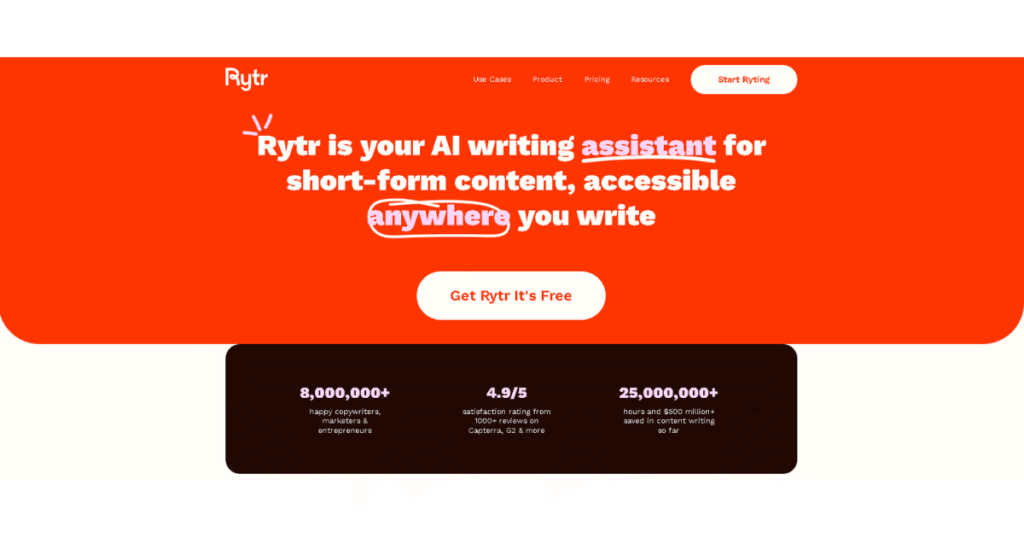
If you mainly need help with short sections — headlines, product descriptions, email copy, or a rough starting paragraph — Rytr is the least intimidating option here.
The free plan gives you a limited monthly character allowance, enough to test whether the tool fits your workflow before paying anything.
Paid tiers (Unlimited and Premium) remove that cap and add tone controls, a plagiarism checker, and broader language support.
According to Rytr’s official pricing page, annual billing currently lists Unlimited at 7.50/month equivalent and Premium at 24.16/month equivalent.
See Rytr’s current plans and usage limits.
Good fit if you want headline ideas, short social copy, or just something to break the blank-page stare, without paying for an SEO system you won’t touch.
Skip it if you need keyword research, competitor analysis, or content briefs — Rytr won’t supply any of that. It’ll help you start typing; the strategy, facts, and editorial judgment are still on you.
Best fit: A beginner blogger who wants affordable drafting help without paying for a complete SEO platform.
2. NeuralText: best for affordable SEO briefs and drafting
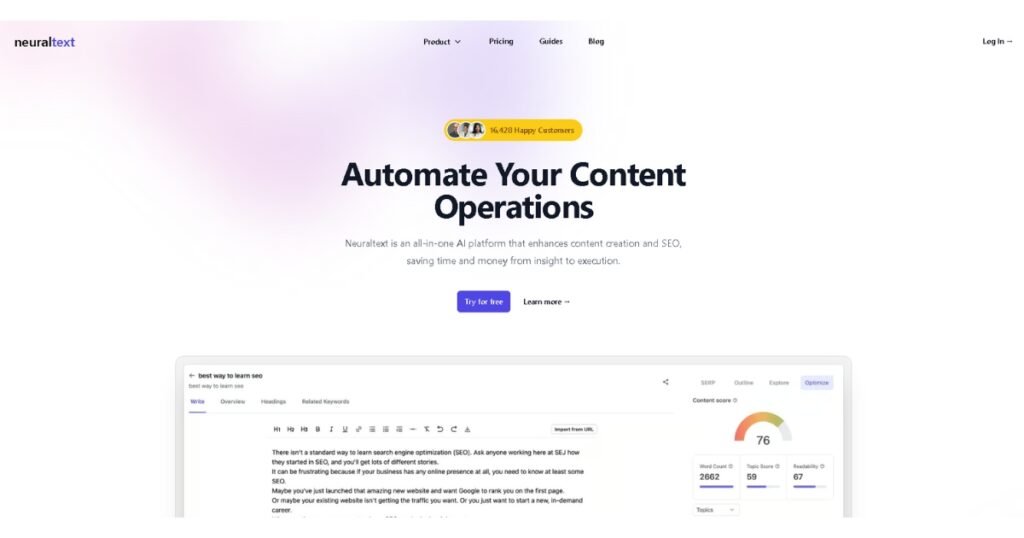
NeuralText sits a step up from Rytr — it pairs AI drafting with keyword research, clustering, content briefs, and a Google Search Console connection.
The Starter plan runs $19/month and includes 100,000 AI-generated words, five content briefs, keyword suggestions, clustering, and one Search Console property.
Basic and Pro raise those ceilings — more briefs, more keywords, more seats.
Review NeuralText’s current pricing and feature limits.
Five briefs a month sounds fine until you’re publishing weekly — a lot of bloggers will burn through the Starter allowance faster than expected.
It also hands you more data and structure than a plain writing assistant does, which only pays off once you’re actually ready to work from keyword clusters and briefs instead of just a topic idea.
Best fit: A blogger who wants an affordable bridge between a simple AI writer and a larger SEO platform.
3. SEOWriting.ai: best for producing structured first drafts quickly

SEOWriting.ai’s whole pitch is speed: give it a keyword or topic, and it generates a full article structure — sections, headers, supporting content — in one pass.
There’s a free plan, and paid usage scales with word and generation allowances.
Check SEOWriting.ai’s current plans and generation limits.
Here’s the catch that matters more than anything in the feature list: a complete generated article isn’t a finished one.
You still have to verify every fact, cut the generic filler sections, swap in real examples, and confirm the piece actually answers what the reader came for.
The faster the draft comes together, the more editing it usually needs — that trade-off doesn’t go away just because the tool is fast.
Best fit: A blogger who can edit carefully and wants a head start on structure rather than a blank document.
4. Outranking: best for guided SEO briefs and optimization
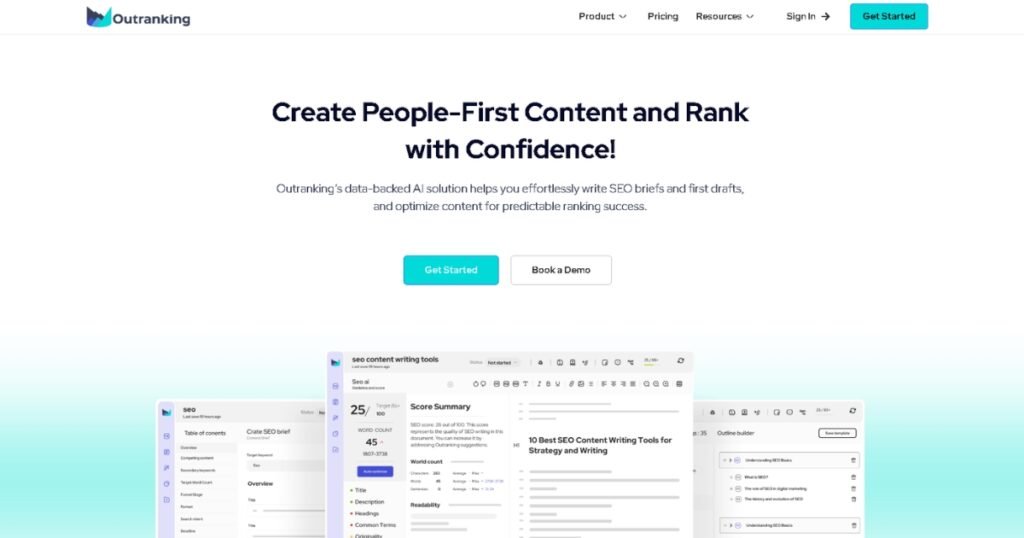
Outranking builds its whole workflow around SEO documents: content briefs, competitor research, drafting, and optimization guidance in sequence.
Current pricing: Starter at 19/month with four SEO documents, SEO Writer at 79/month, SEO Wizard at $159/month.
Compare Outranking’s current plans.
Four documents a month on the entry plan is a hard ceiling for anyone publishing regularly. And the workflow itself is heavier than Rytr or a plain AI chat window — that structure rewards a disciplined publisher who wants a repeatable process, but it’ll feel like overhead if you just want occasional writing help.
Best fit: A blogger who prefers a guided SEO workflow and publishes a limited number of carefully planned articles.
5. Scalenut: best for broader content planning and GEO workflows
Best for Content Strategy and Planning

Scalenut isn’t really a writing tool anymore — it’s a content, optimization, and generative-engine-optimization (GEO) platform that happens to include AI drafting as one piece.
Plans start at 59/month (Starter), 89/month (Plus), and $199/month (Professional), covering combinations of content creation, optimization, keyword clusters, content audits, internal linking, and AI-visibility tracking depending on tier.
See Scalenut’s current plans and included limits.
This is the point in the list where the question shifts from “can I afford this” to “will I actually use enough of it to justify the cost.”
A beginner publishing a handful of posts a month won’t touch most of what Scalenut offers — the audits, the internal-linking suggestions, the topic-gap analysis are built for someone managing an existing content library, not starting one.
Best fit: A growing publisher who needs planning, optimization, and content operations in one platform.
6. Surfer: best for content optimization and AI-search planning
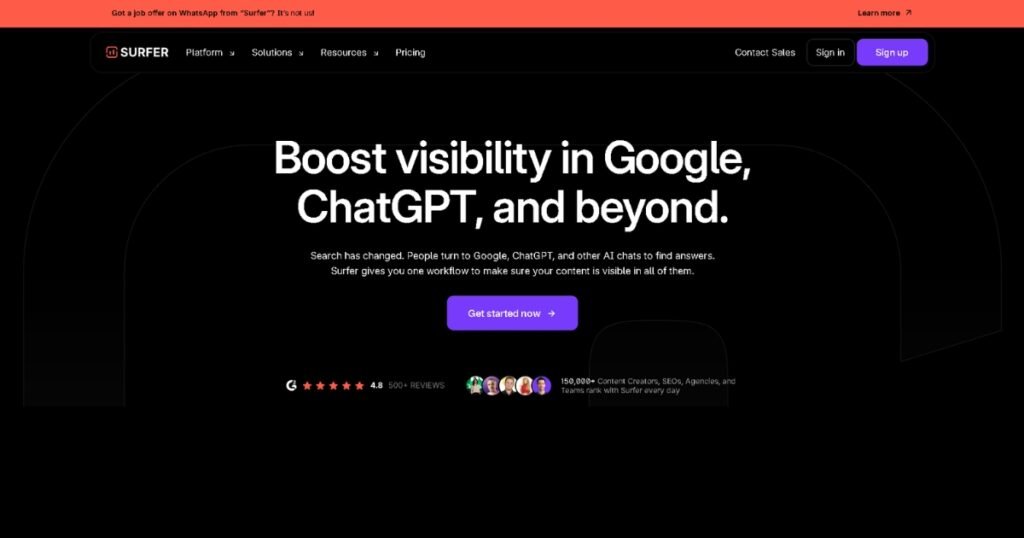
Surfer is an optimization and content-intelligence platform first, writing tool second.
Current pricing: Discovery at 49/month, Standard at 99/month, Pro at 182/month, and Peace of Mind at 299/month — all billed yearly.
Depending on plan, you get content scoring, keyword research, content audits, AI-search tracking, and team collaboration.
Review Surfer’s current pricing and plan limits.
Two things worth flagging: it’s one of the pricier tools on this list, and the annual billing locks you in further than a monthly plan would.
Also worth remembering — a high content score isn’t a ranking guarantee. Surfer can tell you how well-optimized a page looks; it can’t account for competition, domain authority, backlinks, or whether the article is actually useful to the person reading it.
Best fit: A serious blogger or content team that will use optimization and audit features consistently, not occasionally.
7. Writesonic: best for teams that need content, SEO, and AI visibility together

Writesonic has moved the furthest from where it started. It used to be a cheap writing assistant; now it’s a combined content-production, site-audit, SEO-workflow, and AI-search-visibility platform.
Current pricing: Starter at 99/month (79/month billed yearly), Basic at 249/month (199/month billed yearly), Growth at 499/month (399/month billed yearly).
Check Writesonic’s current plans and included features.
For a beginner whose actual problem is “I don’t know what to write,” this price point is hard to justify — you’d be paying for site audits and AI-visibility monitoring you have no use for yet. It makes more sense as a replacement for several separate subscriptions inside a business that already needs all of them.
Best fit: A business or content team that needs integrated SEO, content production, and AI-visibility features.
Which AI writing tool should a beginner blogger choose?
- Rytr — lowest-cost help for short sections and ideas.
- NeuralText — affordable keyword research, briefs, and drafting in one place.
- SEOWriting.ai — a structured long-form first draft, generated fast.
- Outranking — a guided SEO-document workflow, for a smaller number of carefully planned posts.
- Scalenut — broader planning, optimization, and auditing once you’re past the beginner stage.
- Surfer — optimization as the center of your workflow, if the annual cost makes sense.
- Writesonic — you’re running something closer to a content business than a solo blog.
What an AI writing tool should never replace
No matter which one you pick, some things stay on you:
- Fact-checking and source verification
- Original examples from your own experience
- Judgment about what your specific reader actually needs
- Clear disclosures where they’re required
- A real editing pass for accuracy and tone
- The call on whether a section earns its place at all
A polished draft can still be confidently wrong. Outdated numbers, invented specifics, and filler paragraphs all read just as smoothly as accurate ones — which is exactly why they’re easy to miss if you don’t go looking.
Treat the tool as a starting point, not a source: use it for ideas, structure, or a rough draft, then verify every claim against something current and reliable, add what only you know, cut whatever doesn’t serve the reader, and read the final piece as an editor — not as whoever generated the first version.
Choose the smallest tool that solves your current problem
Skip the platform with the longest feature list. Name the actual bottleneck slowing you down — ideas, short-form drafting, long-form structure, keyword research, optimization, or content operations — and test the cheapest tool that addresses that one thing before committing to something bigger.
That’s a better filter than picking whatever sits at the top of a generic ranking.